
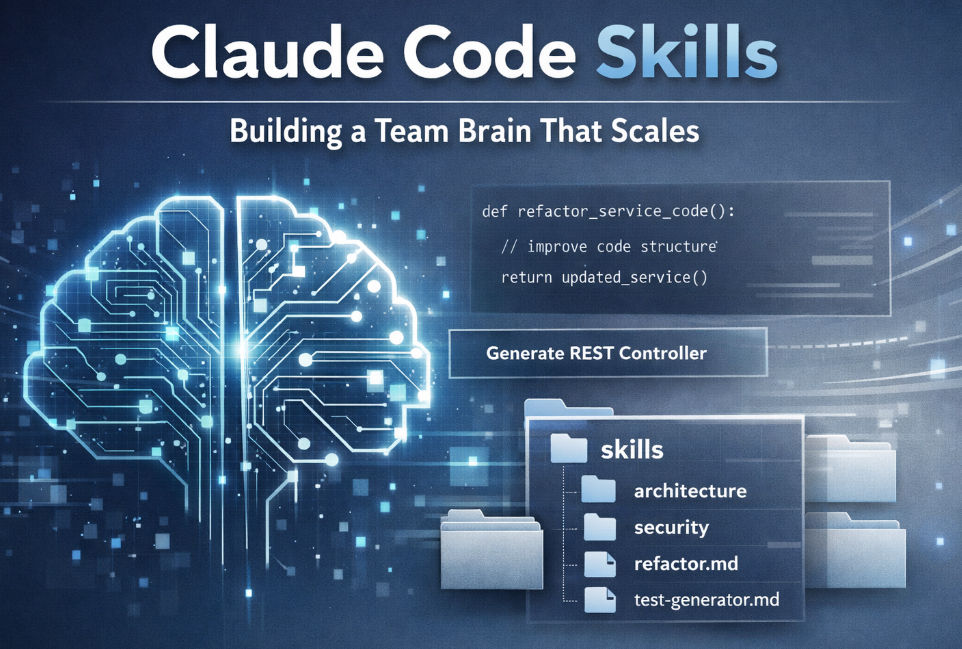
Claude Code Skills: Building a Team Brain that Scales
- Mark Kendall
- 4 days ago
- 4 min read

Claude Code Skills: Building a Team Brain that Scales
If you’re using Claude Code seriously inside your engineering workflow, you’ve probably realized something:
The magic isn’t just in prompting.
The magic is in Skills.
Skills turn Claude from a one-off assistant into a reusable, structured, team-level engineering capability.
In this article, we’ll break down:
What Claude Code Skills are
How to create them (the easy way)
Where to store them
How to share them with other developers
How to organize them inside a Team Brain
Let’s go.
What Are Claude Code Skills?
In Claude Code, a Skill is a reusable, structured instruction set that teaches Claude how to perform a specific task consistently.
Think of a Skill as:
A reusable prompt
With guardrails
With structure
With intent
That can be invoked repeatedly
Instead of rewriting the same prompt over and over:
“Refactor this Spring Boot controller to follow clean architecture…”
You create a Clean Architecture Refactor Skill once — and reuse it across repos.
That’s how you scale AI.
Why Skills Matter in Engineering
Skills transform Claude from:
Reactive chatbot
into
Deterministic engineering collaborator
With Skills, you can encode:
Coding standards
Architectural rules
Naming conventions
Security requirements
Refactoring workflows
Documentation formats
Test generation policies
Now your AI behaves like a trained team member — not a random intern.
How to Create a Skill (The Easiest Way)
Here’s the simplest way to create a Skill.
Step 1: Do It Manually First
Open Claude Code and solve the problem the way you normally would.
Example:
“Generate a production-ready Spring Boot REST controller following hexagonal architecture.”
Refine the output.
Adjust.
Clarify constraints.
Add edge cases.
Once you’re happy…
That’s your Skill.
Step 2: Extract the Pattern
Now rewrite your refined prompt as a reusable instruction.
Instead of:
“Refactor this specific file…”
You write:
You are a senior software architect.
Refactor the provided Java class to follow hexagonal architecture.
- Move business logic into application service layer
- Remove framework annotations from core domain
- Ensure dependency inversion
- Add unit tests
Return production-ready code.
Make it generic.
Make it reusable.
Make it deterministic.
Step 3: Store It as a Skill
Inside Claude Code, you define it as a Skill (via the Skill configuration mechanism).
Name it clearly:
spring-hexagonal-refactor
generate-rest-controller
add-observability-pattern
enforce-clean-architecture
Keep names short and intentional.
Let Claude Help You Build Skills
This is the part most teams miss.
You don’t write Skills alone.
You tell Claude:
“Turn this conversation into a reusable Skill definition.”
Claude will:
Extract the pattern
Remove file-specific details
Generalize constraints
Add structure
Then you refine it.
AI helps build AI.
That’s leverage.
Where Do You Store Skills?
Now we move from personal productivity to team engineering governance.
You have three primary options:
1️⃣ Personal Skill Folder (Developer Level)
Each developer has their own local Skill folder.
Use this for:
Personal productivity workflows
Experimental patterns
Work-in-progress ideas
Structure example:
/skills
/mark
/sarah
Good for creativity.
Not ideal for governance.
2️⃣ Repo-Level Skills (Project Brain)
Store Skills inside the repository.
Example:
/.ai
/skills
Benefits:
Version controlled
Shared by feature teams
Evolve with the codebase
Enforced in PRs
This is where serious teams live.
3️⃣ Centralized Team Brain (Organization Level)
Now we scale.
Create a central repo:
team-brain/
/skills
architecture/
security/
refactoring/
testing/
observability/
This becomes your:
Architectural memory
AI governance layer
Enterprise reusable capability engine
Developers pull from here.
Projects reference here.
Standards live here.
This is how you move from “AI assistance” to “AI-enabled engineering discipline.”
Should Developers Share Skills?
Short answer: Yes.
But with structure.
You don’t want 47 versions of:
generate-controller-v2-final-new-real-final
Instead:
Create Two Categories
🔹 Official Skills
Approved
Reviewed
Versioned
Governed
These live in:
/team-brain/skills/core
🔹 Experimental Skills
Developer-owned
Not enforced
Can be promoted later
These live in:
/team-brain/skills/experimental/{developer-name}
Promotion process:
Developer proposes
Team reviews
It becomes official
Version is tagged
Now you have evolution without chaos.
How to Organize Skills in a Team Brain
Here’s a clean structure that scales across enterprises:
team-brain/
/skills
/architecture
/security
/refactoring
/performance
/testing
/documentation
/observability
/intents
/templates
/standards
/playbooks
Skills = “How Claude acts”
Intents = “What we’re building”
Standards = “What must never be violated”
Together, they form your AI operating system.
Governance Model (Important)
Without governance, Skills become chaos.
Best practice:
Version Skills (v1, v2)
Document what changed
Treat them like production code
Review via PR
Tie major skills to architecture boards
If your team enforces:
Sonar rules
ArchUnit
Static analysis
Then you should enforce AI rules too.
Advanced Move: Skill Composition
You can chain Skills.
Example workflow:
generate-domain-model
generate-rest-controller
add-observability
generate-tests
validate-clean-architecture
Now Claude becomes a pipeline.
This is how you move toward agentic engineering.
Final Thoughts: Skills Are the Multiplier
Without Skills:
AI is impressive.
With Skills:
AI is industrialized.
The teams that win won’t be the ones who prompt better.
They’ll be the ones who:
Encode institutional knowledge into Skills
Share them
Govern them
Version them
Evolve them
That’s not prompting.
That’s building a Team Brain.
If you’re serious about scaling generative AI in engineering:
Stop thinking about chats.
Start thinking about Skills.
And build them like you build software — intentionally.
Comments