

Claude Code Starter Kit; Bootstrap a complete intent-driven engineering workspace
- Mark Kendall
- 3 hours ago
- 1 min read

🚀
Try It Yourself (5-Minute Bootstrap)
Create a new repo, then add a markdown file named initial_scaffold.md and paste in the bootstrap_intent_project.v1.yaml intent from this article.
Initialize Claude Code in the repo (claude init or open the folder in your Claude Code environment), then run the intent by prompting Claude to execute the scaffold with your inputs (project name, language, deployment target).
Claude will generate the full directory structure, baseline intent (B1), shared intent library, observability layer, and your first registry entry—giving you a complete, runnable starting point for your team in minutes instead of hours.
Create this as markdown file- maybe starthere.md
intent:
name: bootstrap_intent_project
version: 1.0.0
description: >
Bootstrap a complete intent-driven engineering workspace including Claude Code configuration,
full directory structure, baseline intent, shared intent library, observability layer,
and initial registry entry.
author: learnteachmaster
maturity: Level 3 (Engineered)
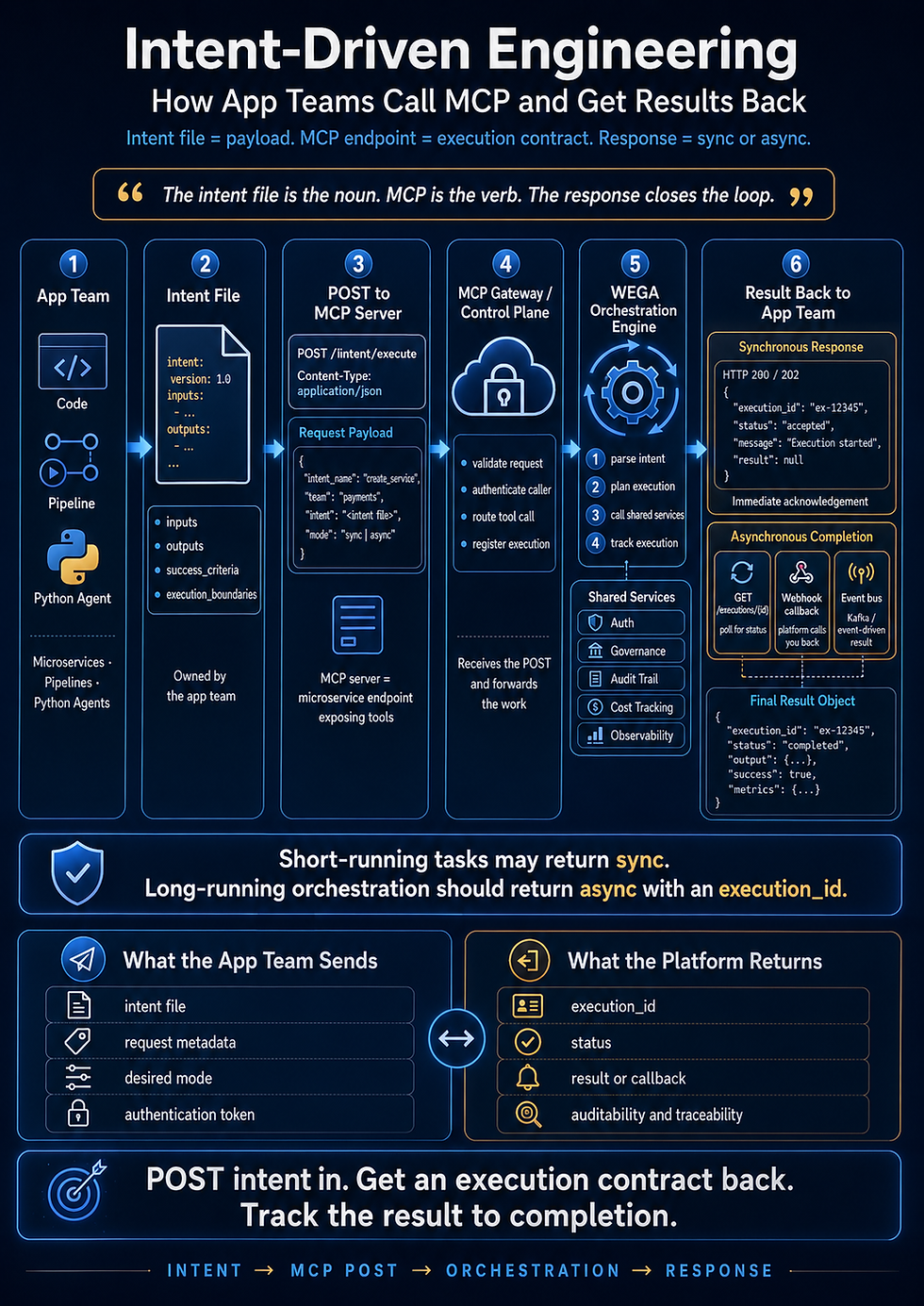
inputs:
project_name:
type: string
example: "weather-intent-app"
project_description:
type: string
example: "Intent-driven weather application scaffold"
primary_language:
type: string
enum: [java, python, typescript]
deployment_target:
type: string
enum: [local, aws, kubernetes]
outputs:
workspace_initialized:
type: boolean
baseline_created:
type: boolean
registry_entry_created:
type: boolean
success_criteria:
- workspace_structure_exists
- claude_code_runs
- baseline_intent_valid
- registry_entry_present
- observability_present
execution_boundaries:
- must_create_full_directory_structure
- must_generate_required_markdown_files
- must_generate_required_yaml_files
- must_include_observability_layer
- must_not_skip_registry_entry
on_failure:
- log_error
- retry
executor:
type: claude_code
mode: orchestration
Comments