

Stop Posting AI Pictures. Start Shipping AI Plugins.
- Mark Kendall
- 10 minutes ago
- 3 min read

Stop Posting AI Pictures. Start Shipping AI Plugins.
Build a Real Claude Code Plugin in Under an Hour
Every day my LinkedIn feed is filled with impressive AI-generated architecture diagrams.
Clouds.
Agents.
Robots.
Neural networks.
Futuristic dashboards.
They look great.
But here’s my question:
Where’s the code?
Where’s the repository someone can clone?
Where’s the README?
Where’s the working example?
If we’re going to help developers adopt AI, we need to do more than create attractive images. We need to provide something people can install, run, modify, and learn from.
That’s exactly why I built a simple Claude Code plugin and published it publicly.
GitHub Repository
The goal wasn’t to build the world’s most sophisticated plugin.
The goal was much more important.
Create a complete, working example that anyone can study.
What Is a Claude Code Plugin?
A Claude Code plugin is a reusable package that extends Claude Code with capabilities your team can share.
Instead of copying prompts between projects, you package your work into something that can be installed and reused.
A plugin can include:
Skills
Agents
Hooks
MCP configurations
Documentation
Examples
Team standards
Reusable workflows
Think of it as building a toolbox instead of another prompt.
Why This Matters
Most organizations will eventually create internal libraries of reusable AI capabilities.
Instead of every developer reinventing the wheel, teams will install approved plugins that already contain:
Company standards
Coding conventions
Architecture guidance
Planning workflows
Review workflows
Deployment guidance
That creates consistency across dozens—or hundreds—of repositories.
Building Your First Plugin
The process is surprisingly straightforward.
Step 1
Create a public GitHub repository.
Keep the repository focused on one reusable capability.
Step 2
Add the plugin structure and documentation.
A good README should explain:
What the plugin does
How to install it
How to use it
Example commands
Expected results
Remember:
Documentation is part of the product.
Step 3
Test it in Claude Code.
Install it exactly the way a new developer would.
If someone else can’t reproduce your results, your documentation isn’t finished.
Step 4
Publish it publicly.
Don’t hide your work.
Let people learn from it.
Improve it based on community feedback.
Why I Published Mine
I wanted something I could point people to during training sessions.
Instead of saying,
“Imagine if Claude Code could…”
I can now say,
“Clone this repository and try it yourself.”
That changes the conversation from theory to practice.
Where This Goes Next
This starter plugin is only the beginning.
Future versions will include reusable enterprise capabilities such as:
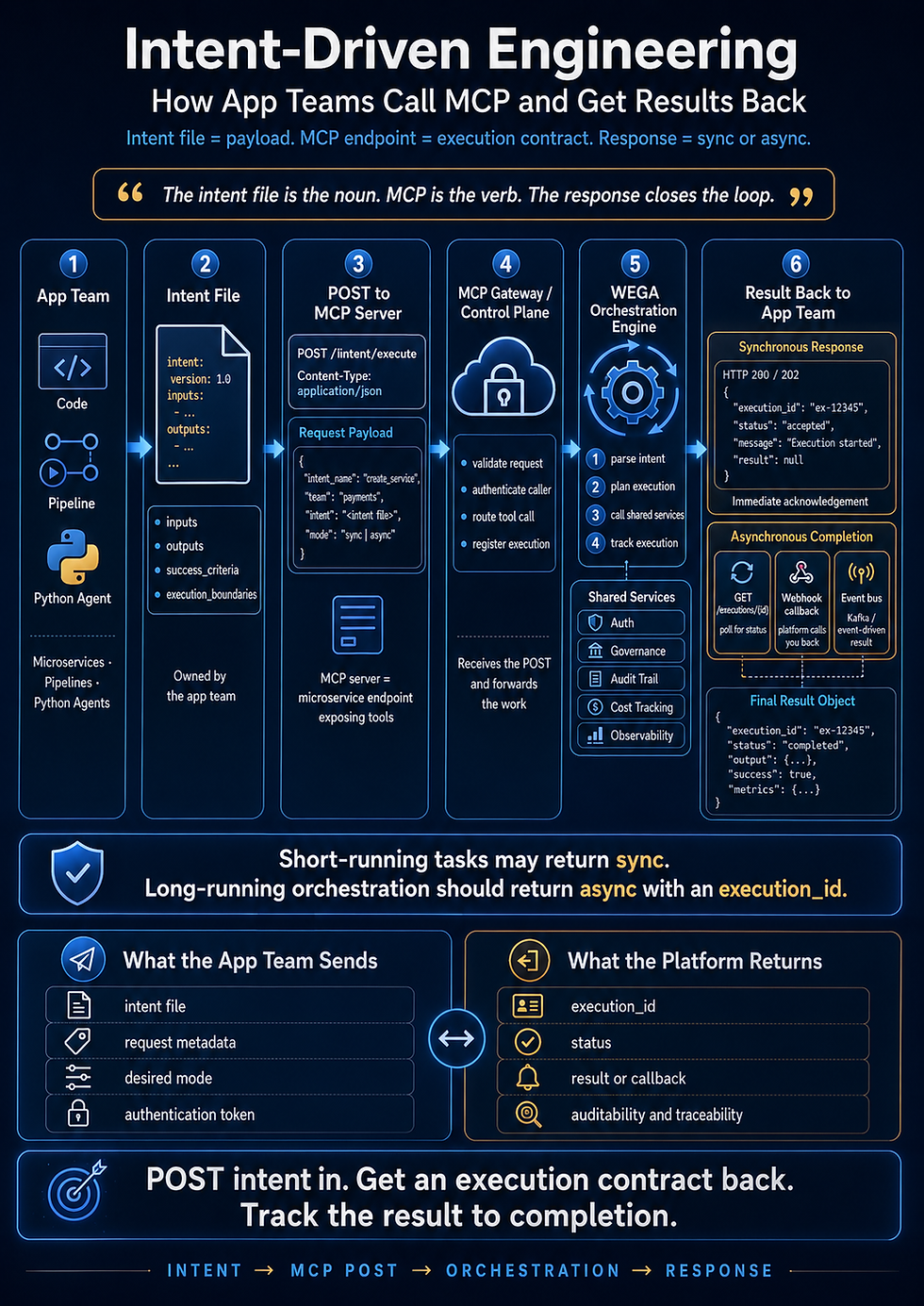
Intent-driven planning
Repository readiness checks
Shared skills
Shared agents
Shared hooks
MCP integrations
Jira workflows
Pull request automation
Those capabilities become reusable building blocks that every repository can install.
That’s the real power of plugins.
My Advice
If you’re creating AI content this year, try to leave every article with something people can actually use.
A repository.
A sample.
A plugin.
A script.
A starter project.
Anything that helps another engineer move from reading to building.
Ideas inspire.
Working code teaches.
Resources
Intent-Driven Plugin
Intent-Driven Engineering
Learn Teach Master
The future of AI engineering won’t be built on screenshots.
It will be built on reusable code, shared tools, and working examples that every developer can install and improve.
That’s the community I want to help build.
For the custom image, I’d go with something that visually reinforces the message:
Concept: “From AI Art to Working Code”
Left side: a wall covered with glowing AI-generated concept art, architecture sketches, and futuristic graphics pinned to a board.
Center: a developer pushing those images aside to reveal a laptop.
Right side: the laptop displays a real GitHub repository named intent-driven-plugin, with files like README.md, skills/, agents/, hooks/, and mcp/, alongside a terminal showing a successful plugin installation.
Floating labels: “Build.” “Install.” “Use.” “Share.”
A subtle banner across the bottom: “Working examples beat pretty pictures.”
graphics.
Comments